
7 Reasons Why Kubernetes Automates Containers
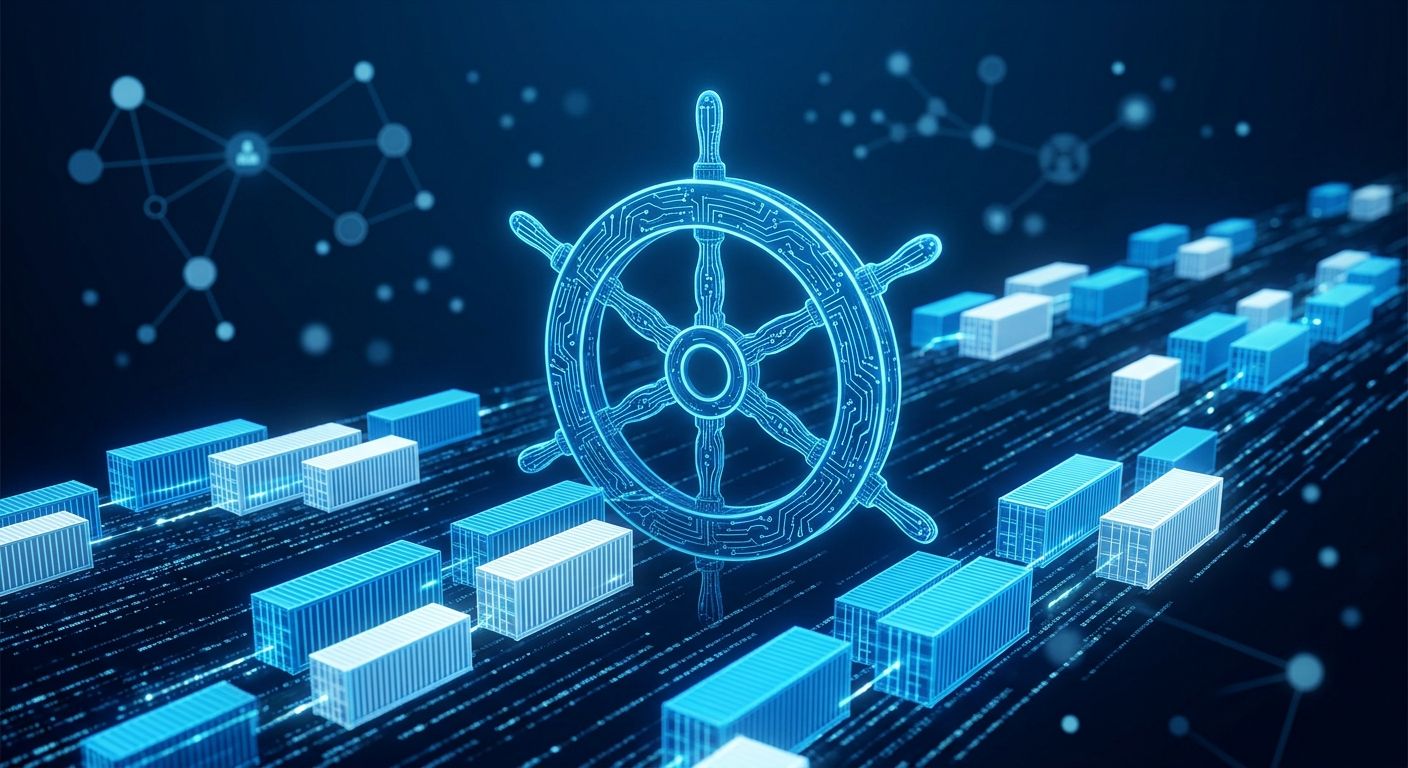
Kubernetes is a powerful orchestration platform that automates the deployment, scaling, and management of containerized applications across multiple clustered servers. It eliminates the manual labor involved in maintaining servers and ensures your systems remain highly available under heavy traffic loads.
If you have started working with isolated environments, you have probably realized that managing hundreds of instances quickly becomes impossible. This is exactly where orchestration steps in to simplify your daily operations and deployment pipelines.
The Core Components of a Kubernetes Cluster
A complete Kubernetes environment is referred to as a cluster. This cluster fundamentally consists of two distinct parts: the Control Plane and the Worker Nodes. The Control Plane functions as the primary brain of the operation, managing the overall cluster state primarily through its central API server and the distributed Etcd key-value store.
Meanwhile, Worker Nodes are the actual physical or virtual machines that execute your containerized applications. The overarching system continuously monitors these individual nodes. It dynamically schedules computing workloads based on the available CPU and memory resources to maintain optimal performance. If you want to dive deeper into the code that runs this, you can browse the Kubernetes Source Code directly. To ensure these foundational nodes remain uncompromised, teams should frequently evaluate their network posture via https://security.sysalbania.com/.
How do I deploy a new application?
To execute an application within this ecosystem, you must deploy a Pod. A Pod represents the smallest, most basic deployable unit within the entire system, and it can contain one or multiple deeply integrated containers. Using the standard command-line interface, you can interact directly with the API server to launch these Pods almost instantly.
Here is the primary command used to initiate a basic web server workload:
$ kubectl run my-app --image=nginx
pod/my-app created
Once you issue that command, the system pulls the necessary image from a public registry like Docker Hub. You can immediately verify that your newly created instance is operating correctly by checking the current status of all running components.
$ kubectl get pods
NAME      READY   STATUS    RESTARTS   AGE
my-app    1/1     Running   0          15s
What happens if a server fails?
If an active container crashes or an entire physical node goes completely offline, Kubernetes uses its built-in, automated self-healing mechanisms to rectify the problem immediately. Instead of requiring a systems administrator to manually reboot the affected servers in the middle of the night, you define your requirements using a Deployment manifest.
This YAML configuration file explicitly dictates your "desired state," such as requiring exactly three identical replicas of your critical application to remain active at all times.
apiVersion: apps/v1
kind: Deployment
metadata:
  name: my-app
spec:
  replicas: 3
  selector:
    matchLabels:
      app: my-app
  template:
    metadata:
      labels:
        app: my-app
    spec:
      containers:
        - name: my-app
          image: nginx
If a catastrophic crash occurs and the active pod count suddenly drops below three, the control plane immediately provisions a brand new replacement Pod. You can also manually adjust this scaling capacity instantly via your local terminal when internet traffic spikes.
$ kubectl scale deployment my-app --replicas=5
deployment.apps/my-app scaled
Managing Traffic with Kubernetes Services
Because individual Pods are inherently ephemeral and designed to be disposable, they are constantly being created and permanently destroyed. Consequently, their assigned internal IP addresses change constantly. A Kubernetes Service completely solves this complex routing dilemma by providing a permanent, stable IP address and an internal DNS name.
The Service fundamentally acts as a highly efficient, dedicated load balancer. It distributes incoming web traffic evenly across your active Pod pool so that no single container ever becomes completely overwhelmed by user requests. Here is how you might define that stable network routing layer:
apiVersion: v1
kind: Service
metadata:
  name: my-app-service
spec:
  selector:
    app: my-app
  ports:
    - port: 80
      targetPort: 80
Using a dedicated package manager like Helm can further automate the deployment of these complex YAML configurations, making version control significantly easier for large enterprise teams.
Scaling and Orchestration Benefits
Kubernetes totally replaces manual server maintenance with highly reliable, declarative orchestration. For deeper technical insights and tutorials, you should regularly consult the Official Kubernetes Documentation and explore the comprehensive guidelines published by the Cloud Native Computing Foundation.
When running these complex distributed architectures in a live production environment, comprehensive observability is absolutely mandatory. Industry-standard tools like Prometheus integrate seamlessly to provide granular metrics. Furthermore, you must aggressively secure your clusters by strictly adhering to the OWASP Kubernetes Security Top 10 to prevent devastating data breaches.
To guarantee your underlying infrastructure is highly available, properly configured, and cost-effective, you should review our comprehensive implementation offerings at SysServices. Schedule a professional architectural review with our expert engineering team today to optimize your operational workloads.