
Watch and learn
Hands-on walkthroughs, tool deep-dives, and full attack chains from our multimedia library.
What these cover
Recorded walkthroughs of the techniques we write about: reconnaissance, service enumeration, exploitation of known vulnerabilities, and the defensive side of each. Screen recordings of real terminals rather than slideware.
Who they are for
People who learn by watching someone else work. If you have read a technique and it did not land, watching the commands run in order, including the parts that fail, usually fixes that faster than re-reading.
Lab safety
Everything demonstrated is performed against systems we own or are authorised to test. Build a local lab before repeating any of it. Running these techniques against infrastructure you do not own is a criminal offence in most countries.
Related: Written guides · Tools used in these videos
I built an AI supercomputer with 5 Mac Studios
I Built an AI Supercomputer With 5 Mac Studios — Can It Run a 405B Model? What happens when you connect five powerful Mac Studios together and try to turn them into a single AI supercomputer? That was the experiment behind this project. The goal was ambitious: use five Mac Studios with M2 Ultra chips and 64 GB of unified memory each to run increasingly large local AI models, eventually attempting to run Meta’s Llama 3.1 405B model — something that normally requires massive amounts of GPU memory and data-center-class hardware. The results were both impressive and revealing. Why Build an AI Cluster? Running AI models locally has become increasingly popular because it gives users more control over their data. Instead of sending prompts and information to cloud services, a local AI setup can process everything directly on your own hardware. The problem is that the larger and more capable the model becomes, the more hardware it requires. A small model such as Llama 3.2 1B can run on relatively modest hardware. But once you move into models with tens or hundreds of billions of parameters, memory becomes the major limitation. This is where AI clusters become interesting. Instead of relying on a single computer, multiple machines can work together and share the workload. For this experiment, the setup consisted of: 5 × Mac Studios M2 Ultra 64 GB unified memory per machine 320 GB total unified memory 10 Gb Ethernet networking Thunderbolt networking for comparison MLX for Apple Silicon machine-learning acceleration Exo Labs for clustering the machines The theoretical advantage is simple: Five machines × 64 GB = 320 GB of memory available across the cluster. That is nowhere near the memory of a large NVIDIA data-center cluster, but it is an enormous amount of memory for consumer hardware. Understanding AI Model Size To understand why this experiment is interesting, you first need to understand parameters. When we talk about a model such as Llama 3.2 1B, the "1B" means approximately 1 billion parameters. Parameters are learned numerical weights inside the neural network. They allow the model to recognize patterns, relationships and information learned during training. Generally, larger models can represent more complex relationships and perform more sophisticated tasks. For example: Model Parameters Approximate VRAM Requirement* Llama 3.2 1B 1 billion ~4 GB Llama 3.2 3B 3 billion ~6 GB Llama 3.1 8B 8 billion ~10 GB Phi-4 14 billion ~16 GB Llama 3.3 70B 70 billion ~48 GB Llama 3.1 405B 405 billion ~1 TB *Actual requirements depend heavily on quantization, context size, runtime and implementation. The jump from 70B to 405B is enormous. A 405-billion-parameter model is not something you casually run on a gaming PC. Quantization Makes Large Models Possible One of the technologies that makes local AI practical is quantization. Normally, models can use high-precision numerical representations such as FP32 or FP16. Quantization reduces the precision of those values, allowing the model to occupy significantly less memory. For example: FP32 — full precision FP16 — approximately half the storage INT8 — substantially smaller 4-bit quantization — dramatically smaller The trade-off is that reducing precision can affect model quality. The lower you go, the more likely you are to see degradation in complicated tasks such as: Coding Logical reasoning Complex instruction following Creative generation For this experiment, a 4-bit version of Llama 3.1 405B was used. Even after quantization, however, the model remained enormous. The Secret Weapon: Apple's Unified Memory The interesting thing about Apple Silicon is its unified memory architecture. Traditional PCs generally have: System RAM → CPU and VRAM → GPU The GPU has its own dedicated memory. Apple Silicon takes a different approach. CPU and GPU can share the same memory pool. That means a Mac Studio with 64 GB of unified memory doesn't have to divide that memory into traditional system RAM and GPU VRAM. For this experiment: 64 GB × 5 machines = 320 GB unified memory That doesn't mean the Macs magically become one 320 GB computer. The software has to distribute the workload between them, and networking becomes extremely important. And that turned out to be one of the biggest problems. Connecting the Five Macs The first networking solution was 10 Gigabit Ethernet. All five Mac Studios were connected through a 10 GbE switch. That sounds extremely fast compared with normal home networking. But AI clusters operate at another level. Modern data-center AI systems can use networking technologies capable of hundreds of gigabits per second. Some AI infrastructure operates at 400 Gb/s and beyond. Compared with that, 10 GbE suddenly doesn't look so impressive. The reason this matters is that distributed AI isn't simply: "Give each computer a different part of the model and let them work." The machines constantly need to communicate. During inference, large amounts of data can move between nodes. So even if you have enough memory to hold the model, the network can prevent the cluster from running efficiently. Installing Exo Labs The experiment used Exo Labs, a project designed to allow different computers to work together as an AI cluster. One of the attractive things about Exo is that it can automatically discover other nodes on the network. The basic setup involved: Installing Python 3.12. Installing Apple's MLX framework. Downloading the Exo repository. Installing Exo. Running its configuration script. Starting Exo on each Mac. Once the nodes were running, Exo automatically discovered them. Five separate computers suddenly appeared as one AI cluster. Testing a Single Mac Studio Before throwing all five machines into the experiment, the first step was to establish a baseline. A single Mac Studio was running a small model. For a lightweight 1B model, performance was excellent. The system produced roughly: 117 tokens per second That is more than enough for normal conversational AI. For small models, there was essentially no reason to use a five-machine cluster. One Mac could handle the workload easily. Five Macs Were Actually Slower Then came the interesting part. All five Mac Studios were connected together. The expectation might be: Five computers = five times the performance. But distributed AI doesn't work that way. With the 10 GbE network, performance dropped dramatically. The same test produced approximately: 29 tokens per second instead of 117. Why? The network became the bottleneck. The computers had substantially more combined memory, but they also had to communicate over a relatively slow connection. This demonstrates one of the most important lessons about AI clusters: Adding more compute doesn't automatically make AI inference faster. You also need extremely fast communication between the machines. Thunderbolt Changes Things The experiment then moved to Thunderbolt networking. Thunderbolt can provide significantly more bandwidth than the 10 GbE connection used initially and can provide more direct access to PCIe resources. The Macs were configured into a Thunderbolt network using a bridge arrangement. The improvement was noticeable. With multiple machines connected through Thunderbolt, performance was better than the Ethernet configuration. However, the cluster still wasn't behaving like a professional AI data center. The hardware was capable. The problem was still communication overhead. Running Llama 3.3 70B The experiment then moved to a much larger model: Llama 3.3 70B A 4-bit version of the model can fit into the combined memory of multiple Macs. With one Mac Studio, the model could already run surprisingly well. The machine had enough memory to hold the model and use the GPU without relying heavily on swap. Adding additional Macs allowed the model to be distributed across multiple machines. With all five machines working together, the model could run at roughly: 10–15 tokens per second depending on the configuration. That's not remotely comparable with a high-end cloud inference system. But there's something important here: It actually worked. Five relatively compact computers were able to cooperate to run a model containing 70 billion parameters. The Ultimate Challenge: Llama 3.1 405B Now came the real challenge. The target was: Llama 3.1 405B With 405 billion parameters, this model is several times larger than a 70B model. Running it at full precision requires an enormous amount of memory. A heavily quantized version was therefore used. The model was roughly 200 GB in size, making downloading and distributing it one of the most painful parts of the experiment. Instead of repeatedly downloading the model from Hugging Face, a local copy was prepared and placed on the machines. Trying the 405B Model on One Mac The first experiment was intentionally ridiculous. A single 64 GB Mac Studio attempted to load the 405B model. The result? Memory filled up. Then swap started increasing. The Mac began using its SSD as additional memory. And that is exactly what you don't want. SSD storage is dramatically slower than RAM. The experiment quickly demonstrated why a single Mac couldn't realistically handle the model. The process was stopped before the machine completely ran out of usable resources. Five Macs + 405B Then the five-node cluster was started. This time there was approximately: 320 GB of unified memory available across the cluster. The model began loading across the machines. Memory usage gradually increased on the individual nodes. Eventually, the entire model was distributed across the cluster. And then came the moment of truth. The model generated text. It worked. The performance, however, was extremely slow. The experiment achieved roughly: 0.5–0.8 tokens per second depending on the configuration. That's painfully slow for normal interaction. But from a technical perspective, it was an impressive result. A model that normally requires enormous amounts of enterprise AI hardware was running on five Mac Studios sitting in a studio. Why Was It So Slow? The biggest problem was not necessarily memory. It was networking and software efficiency. The Macs had enough combined memory to hold the model. But they didn't have the kind of ultra-high-speed interconnect used by professional AI clusters. Every time the distributed model required communication between nodes, the network became part of the performance equation. This is fundamentally different from running a model entirely inside one large GPU server. A data-center AI cluster might use specialized interconnects designed specifically for GPU-to-GPU communication. The Mac cluster was using networking technologies designed primarily for general computing. That's a huge difference. The 405B Experiment Was Successful — Technically The final result can be summarized like this: Configuration Result 1 Mac + small model Extremely fast 5 Macs + small model Slower due to networking 1 Mac + 70B Surprisingly capable 5 Macs + 70B Successfully distributed 1 Mac + 405B Not practical 5 Macs + 405B Works, but extremely slow So the experiment wasn't about creating a practical ChatGPT replacement. It was about proving something much more interesting: Can consumer hardware with enough combined memory run a model that normally belongs in a data center? The answer was yes. Apple Silicon vs NVIDIA There's an important caveat. NVIDIA remains extremely dominant for AI workloads. Why? Because the AI ecosystem has been heavily optimized around NVIDIA GPUs and CUDA. NVIDIA GPUs also have specialized hardware such as tensor cores that are designed for AI workloads. Apple has its own acceleration framework: MLX — Machine Learning Acceleration MLX is specifically designed for Apple Silicon and works particularly well with unified memory. But NVIDIA still has a major advantage in terms of software ecosystem, hardware acceleration and compatibility. That's why a properly configured NVIDIA GPU cluster can massively outperform a collection of Macs. The Surprisingly Good Part: Local AI One of the biggest benefits of the experiment wasn't actually the 405B model. It was the ability to run strong models locally. A single 64 GB Mac Studio could comfortably run a 70B-class quantized model. That opens up interesting possibilities for: Private AI assistants Local coding assistants Document analysis Automation Research Offline AI AI-powered development tools No cloud API is required. Your prompts and documents can stay on your own hardware. Exo + OpenAI-Compatible APIs Another interesting part of Exo is that it provides an OpenAI-compatible API. That means applications designed to communicate with OpenAI-style APIs can potentially communicate with the local cluster instead. This opens the door to integrating local models with other AI tools. For example, the experiment demonstrated using Fabric with the local AI infrastructure. A prompt could be sent through the local model and processed through Fabric without relying on a cloud AI provider. That's where local AI starts becoming much more interesting. The Biggest Lessons This experiment demonstrates several important concepts about running AI locally. 1. Memory is often the first limitation Large models require enormous amounts of memory. Having 320 GB across five machines makes models possible that would be impossible on a single consumer computer. 2. More machines don't automatically mean more speed Five computers don't necessarily produce five times the inference speed. Communication between machines can become the bottleneck. 3. Networking is critical 10 GbE is fast for normal networking. For distributed AI, it can be painfully slow. 4. Unified memory is extremely useful Apple's architecture allows large portions of memory to be accessible to the GPU without the traditional separation between RAM and VRAM. 5. Quantization changes everything Without quantization, many huge models would be completely impractical for consumer hardware. 6. Local AI is becoming increasingly capable A modern workstation can run models that would have seemed impossible to run locally only a few years ago. The Final Verdict So, can five Mac Studios become an AI supercomputer? Technically, yes. Can they compete with a professional NVIDIA AI cluster? Absolutely not. The experiment proved that combining multiple machines can provide enough aggregate memory to run enormous models such as Llama 3.1 405B. But the performance difference is massive. At around 0.5–0.8 tokens per second, the 405B model is more of a technical demonstration than a practical everyday AI assistant. The real sweet spot appears to be smaller models such as 70B-class models, where a high-memory Mac Studio can provide a surprisingly capable local AI experience without needing an entire data center. The biggest lesson is simple: The future of local AI isn't just about having more compute. It's about memory, interconnects, software optimization and finding the right balance between all three. And as networking technology, Apple Silicon optimization and distributed AI software continue improving, experiments like this could become considerably more practical.
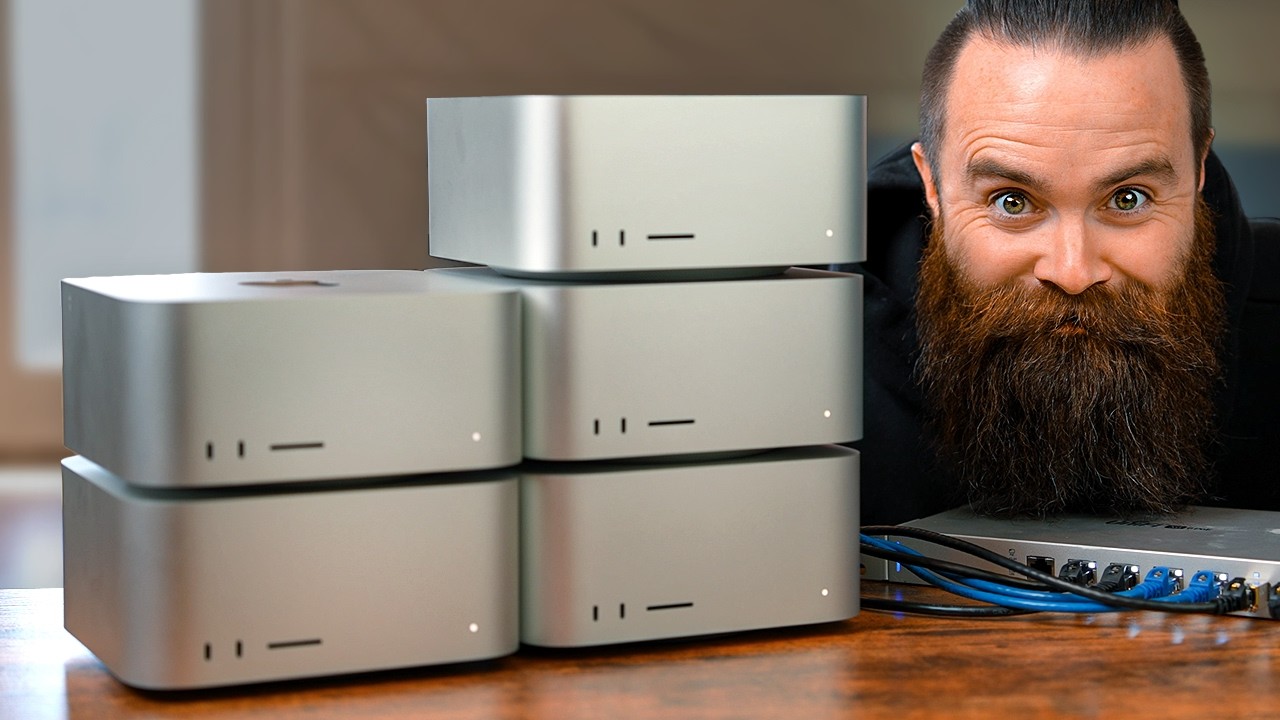
I built an AI supercomputer with 5 Mac Studios

Use your PHONE for Ai and Get Paid in Crypto
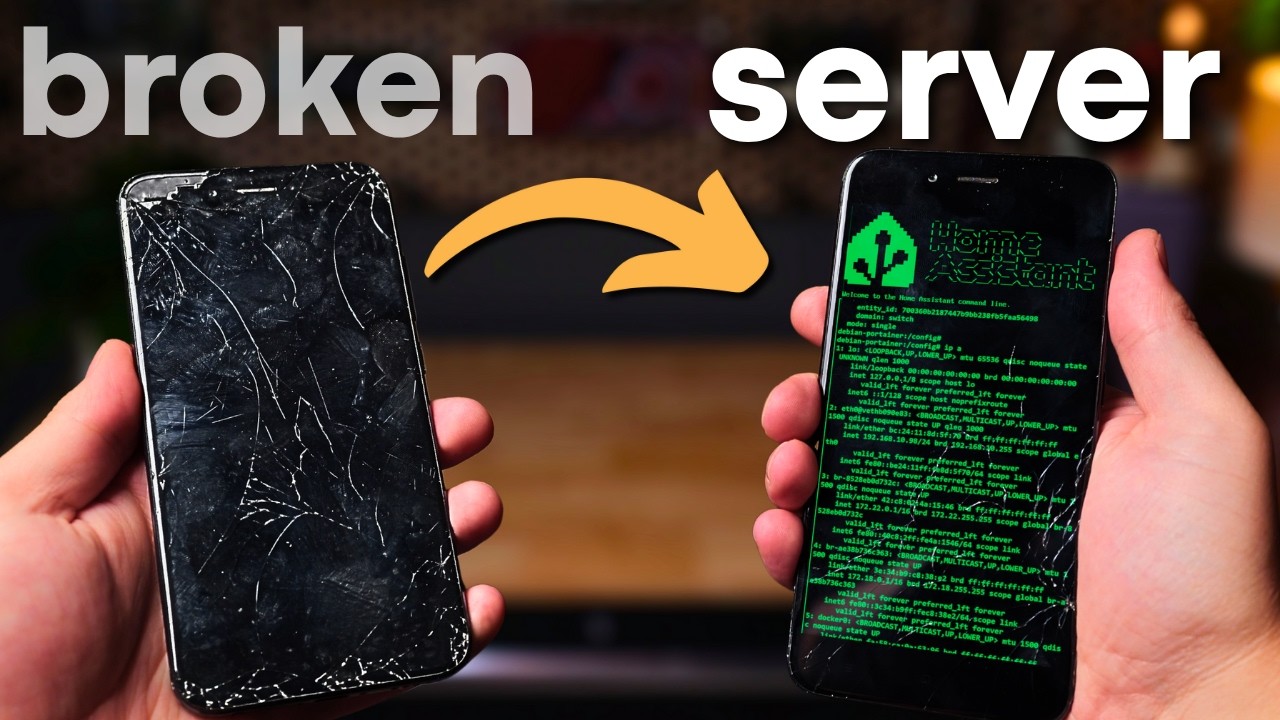
I Turned This Broken Phone Into A Home Server
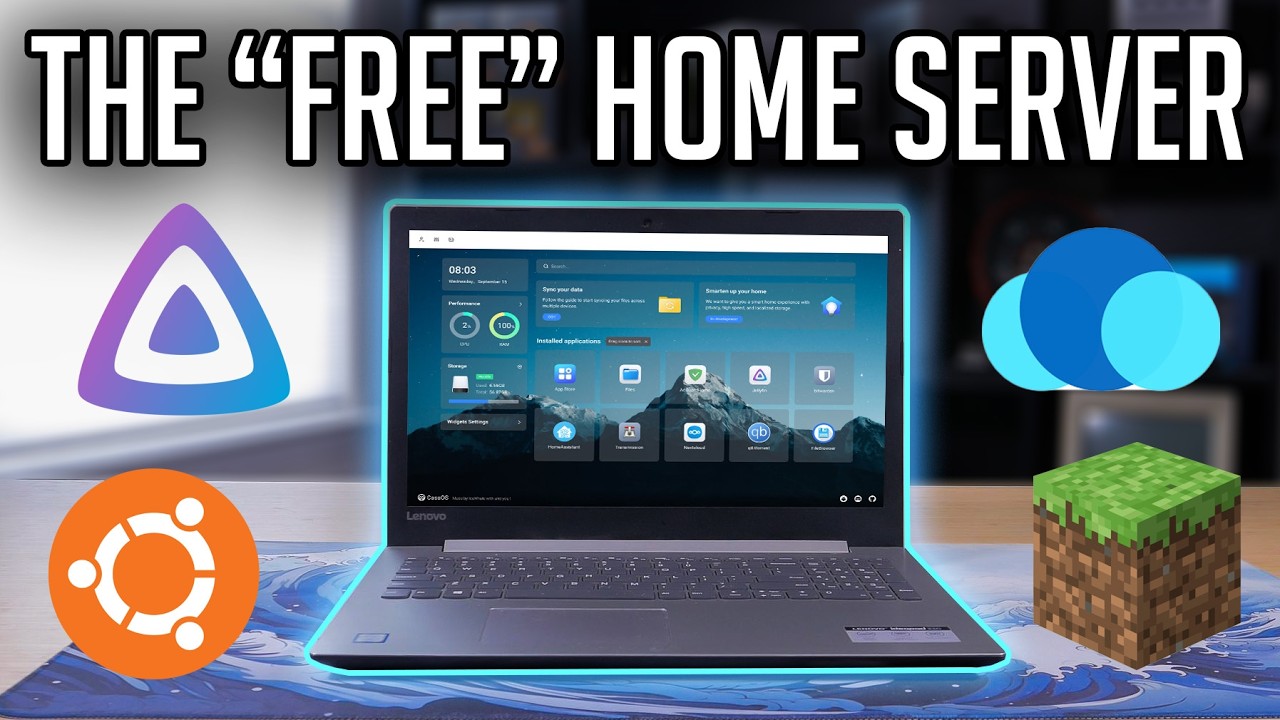
Turning an Old Laptop into a Home Server! (2026)

Oracle VPS Cloud Free Tier Step-by-Step

How a Misconfigured Active Directory Can Lead to Domain Admin
N8N pentest

WhatsApp OSINT: What Can Your Data Reveal?

OSINT for Beginners

Android Hacking: Risks, Methods & Defense
