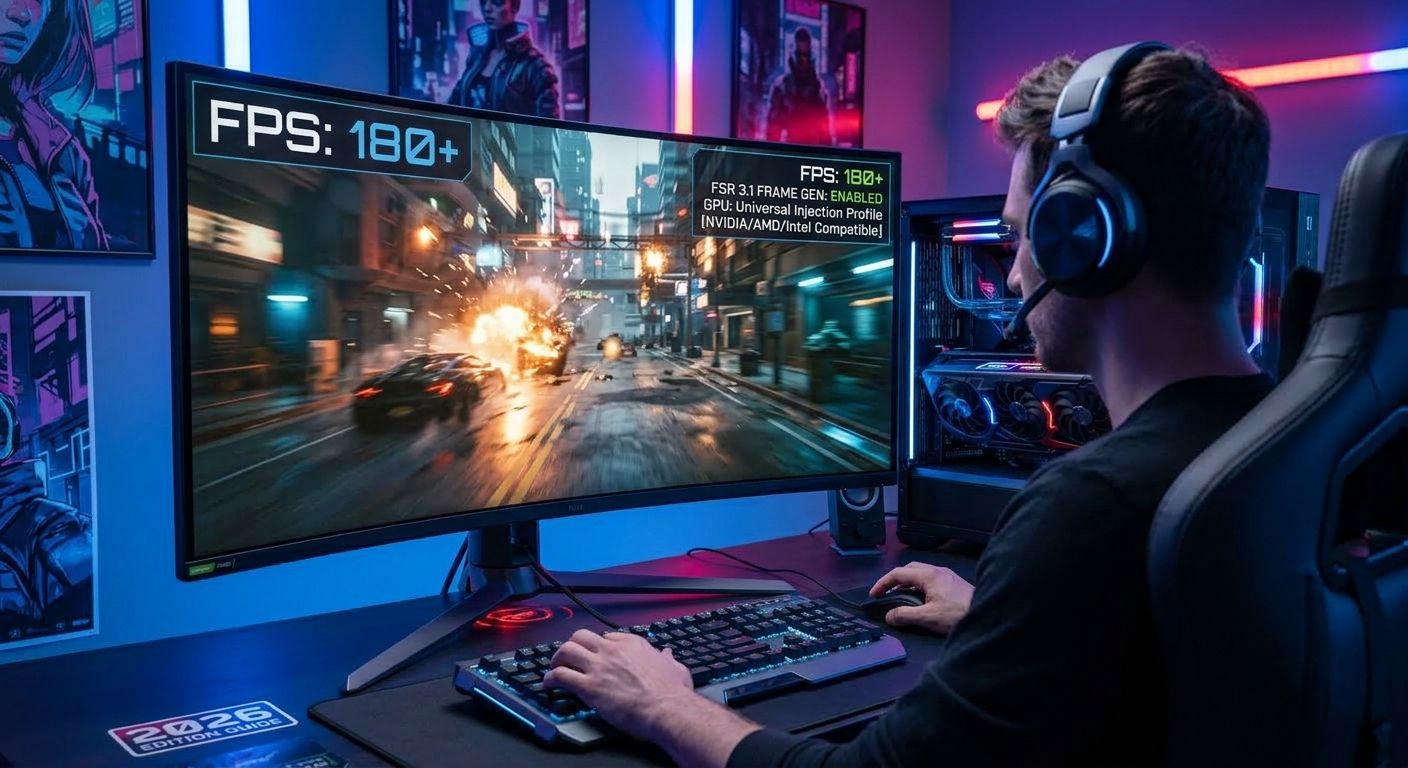
How to Install FSR 3.1 Frame Generation in Any Game (NVIDIA / AMD / Intel)
To install AMD's FSR 3.1 Frame Generation in almost any game, you need to replace the default upscaler libraries (like DLSS or older FSR implementations) with a translation layer mod. This process involves downloading a proxy archive (such as OptiScaler or the LukeFZ Mod), extracting the custom .dll files directly into your game's binary directory, and tweaking the local configuration file to force Frame Generation on. Whether you are running an RTX, Radeon, or Intel Arc GPU, this method bypasses vendor hardware locks and significantly boosts your framerate.
Why FSR 3.1 Changes the Game
Unlike previous iterations, FSR 3.1 fully decouples the Frame Generation component from the upscaling component. This means you can run NVIDIA's DLSS or Intel's XeSS for superior image quality, while still utilizing AMD's Frame Generation algorithm to double your visual output.
By injecting custom proxy libraries, the game is tricked into sending motion vectors and depth buffers to the FSR 3.1 algorithm instead of the proprietary DLSS Frame Generation (DLSS-G) pipeline. This brings cutting-edge performance to hardware that officially shouldn't support it, breathing new life into aging GPUs. If you are interested in how this compares to native solutions, check out our DLSS 3 vs FSR 3 technical breakdown.
Prerequisites for FSR 3.1 Mods
Before dropping into the terminal, ensure you have the following ready:
- A target game that natively supports DLSS 2, DLSS 3, or FSR 2.
- Hardware accelerated GPU scheduling (HAGS) enabled in your OS settings.
- The latest release of the proxy mod (available on GitHub).
For a broader look at tailoring your gaming setup, read our guide on optimizing your custom gaming environment.
Step-by-Step Terminal Installation
For power users running custom operating system environments like Raven OS, standard Linux distributions via Proton, or even Windows via PowerShell, dropping directly into your terminal is the cleanest way to deploy the mod.
Navigate to your game's executable directory and fetch the necessary proxy files. Below is an example of injecting the mod into Cyberpunk 2077:
# Navigate to the game binary folder
cd ~/.steam/steam/steamapps/common/Cyberpunk\ 2077/bin/x64/

# Download the latest translation layer proxy (example URL)
wget https://github.com/cdo-optiscaler/OptiScaler/releases/latest/download/OptiScaler-v1.zip

# Extract the archive into a temporary directory
unzip OptiScaler-v1.zip -d mod_files/

# Backup original NVIDIA DLSS library
mv nvngx.dll nvngx.dll.backup

# Inject the proxy library and configuration
cp mod_files/nvngx.dll .
cp mod_files/nvngx.ini .

# Clean up deployment files
rm -rf mod_files/ OptiScaler-v1.zip

# Verify deployment
ls -l | grep nvngx
Output:
-rw-r--r-- 1 user group 14532014 Sep  7 19:42 nvngx.dll
-rw-r--r-- 1 user group 34520114 Sep  2 11:22 nvngx.dll.backup
-rw-r--r-- 1 user group     2104 Sep  7 19:42 nvngx.ini
Open the nvngx.ini (or .toml depending on the mod variant) with your preferred text editor (e.g., nano or vim) and ensure EnableFrameGeneration = true is set.
Verifying Frame Generation in Game
Launch your game. Navigate to the graphics or display settings. You will notice that the "DLSS Frame Generation" toggle—previously greyed out if you lack an RTX 40-series card—is now selectable. Turn it on.
Use an overlay like MangoHud or MSI Afterburner to monitor your frametime graph. If the installation was successful, your base framerate should nearly double, and frametimes should appear consistently spaced.
FAQ: Troubleshooting FSR 3.1
How do I fix UI ghosting and flickering?
UI ghosting happens because the Frame Generation algorithm is interpolating HUD elements along with the 3D render. To fix this, open your mod's configuration file (e.g., nvngx.ini) and adjust the HUD_Fix or Mask_UI parameter to true. This tells the proxy to ignore static 2D elements.
Why does my game crash on startup after installing the mod?
Crashes on boot usually indicate a signature mismatch or a missing dependency. Double-check that you did not overwrite the game's actual executable, and ensure that you backed up the original .dll files. Alternatively, some anti-cheat systems flag .dll injection; ensure you only attempt this in single-player titles.
Cited Sources
- AMD GPUOpen: FSR 3.1 SDK Repository
- OptiScaler GitHub: OptiScaler Proxy Layer
Ready to push your hardware and local infrastructure even further? Book a free system optimization and security check with our team today to ensure your custom builds are running flawlessly.