
How Do Docker Containers Work? A Beginner's Guide
Docker is a platform that packages applications into isolated environments called containers. By bundling your code, libraries, and dependencies together, Docker ensures your software runs consistently on any computer, server, or cloud infrastructure.
If you work in modern software development, system administration, or cybersecurity, understanding Docker is absolutely essential.
Solving the "It Works on My Machine" Problem
Imagine you build a perfectly functioning application on your local computer. You send the code to another developer, but when they try to run it, the application completely crashes. They might be using a different operating system, a conflicting version of Python, or missing a required database library.
This is the classic developer dilemma. Docker eliminates this issue by allowing you to package the application alongside its entire required runtime environment. Instead of telling a colleague to install a dozen specific libraries, you hand them a unified Docker image. If you are setting up a new team, reviewing Devops Basic Guide can help standardize these workflows.
What are Docker Images vs. Containers?
To use Docker effectively, you must understand the difference between an image and a container.
A Docker image is a packaged, read-only template. It contains the operating-system filesystem, your application code, libraries, dependencies, and startup instructions. You can download pre-built images for almost any technology from registries like Docker Hub.
A Docker container is the running instance of that image. Containers are temporary and disposable. You can start, stop, and delete them without affecting the original image.
- Image = The architectural blueprint.
- Container = The physical, running building.
Why do containers beat traditional virtual machines?
Before containers, developers relied on traditional virtual machines (VMs) using hypervisors like VirtualBox or VMware. A virtual machine runs a completely separate guest operating system on top of your host hardware. This provides excellent isolation, but it consumes massive amounts of RAM, CPU, and storage.
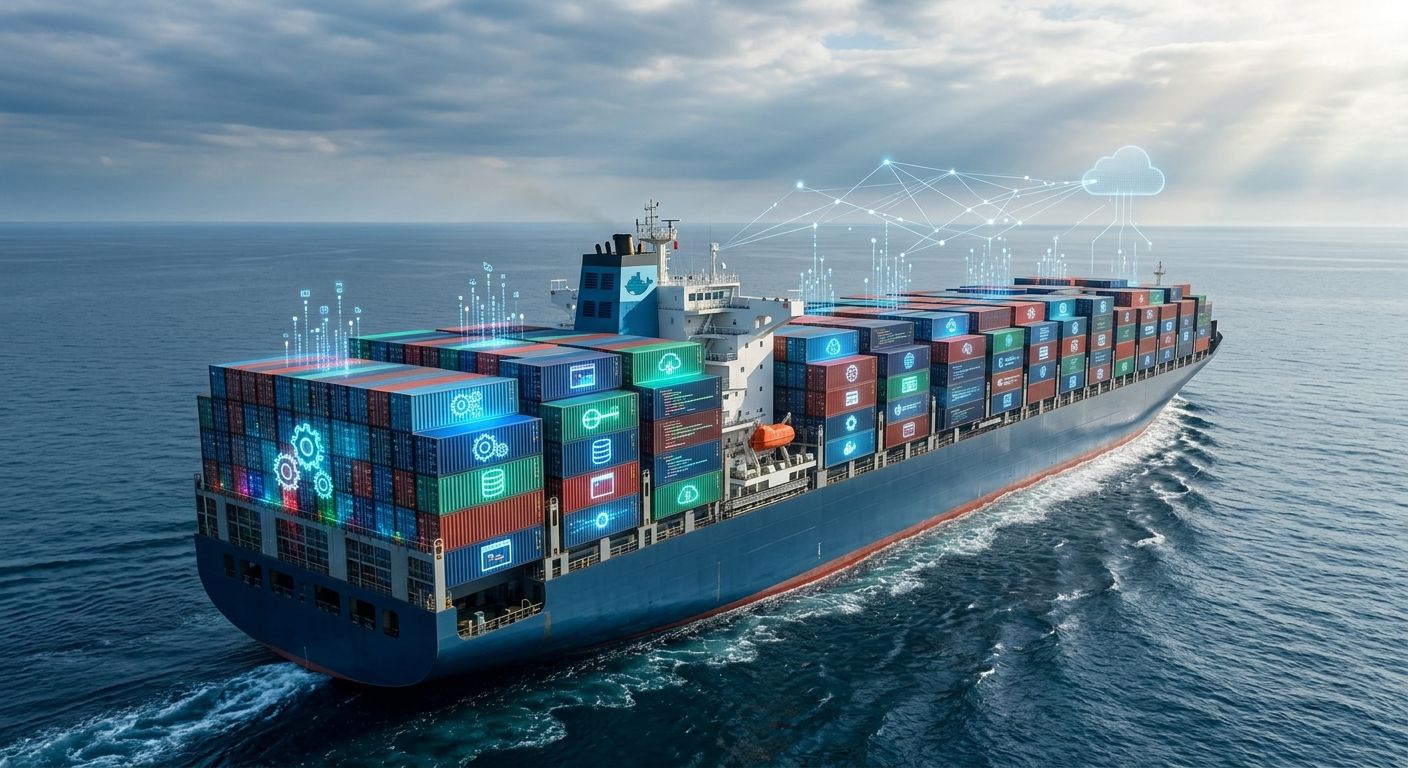
Containers take a much more efficient approach. Instead of virtualizing the hardware, containers virtualize the operating system. They share the host machine's kernel while keeping the applications isolated. This means containers start in seconds and consume a fraction of the resources required by a VM. This lightweight architecture is the foundation of modern Cloud Infrastructure.
Basic Docker Commands and Workflows
Running a service in Docker is straightforward. Imagine you want to launch an Nginx web server. Instead of installing it directly onto your operating system, you can pull the official Nginx image and run it inside an isolated container.
Here is the exact terminal command to run a web server in the background and map it to your local port:
$ docker run -d --name my-nginx -p 8080:80 nginx
Unable to find image 'nginx:latest' locally
latest: Pulling from library/nginx
a1b2c3d4e5f6g7h8i9j0k1l2m3n4o5p6
Once the container is running, you can verify its status. The docker ps command shows you all currently active containers, their unique IDs, and how their network ports are mapped.
$ docker ps
CONTAINER ID   IMAGE   COMMAND                  STATUS        PORTS                  NAMES
a1b2c3d4e5f6   nginx   "/docker-entrypoint…"   Up 2 minutes  0.0.0.0:8080->80/tcp   my-nginx
If you need to stop the container, you simply run docker stop my-nginx. The official Docker Documentation provides an exhaustive list of CLI commands to manage these lifecycles.
How do I secure Docker containers in production?
Containers are incredibly useful for cybersecurity labs. You can quickly spin up vulnerable web applications, database servers, and security tools without installing them permanently on your host machine.
However, you should never treat containers as perfect security boundaries. Because containers share the host's kernel, a severe vulnerability could potentially allow an attacker to "escape" the container and compromise the host system. Securing Docker in production requires strict permissions, careful image management, and robust network controls. Reviewing the OWASP Docker Security Guidelines is a mandatory first step for any operations team.
Is your container infrastructure properly isolated? Vulnerable images and misconfigured ports are leading causes of data breaches. Schedule a Container Security Audit with our engineering team today to identify and patch your risks.