Darkdump
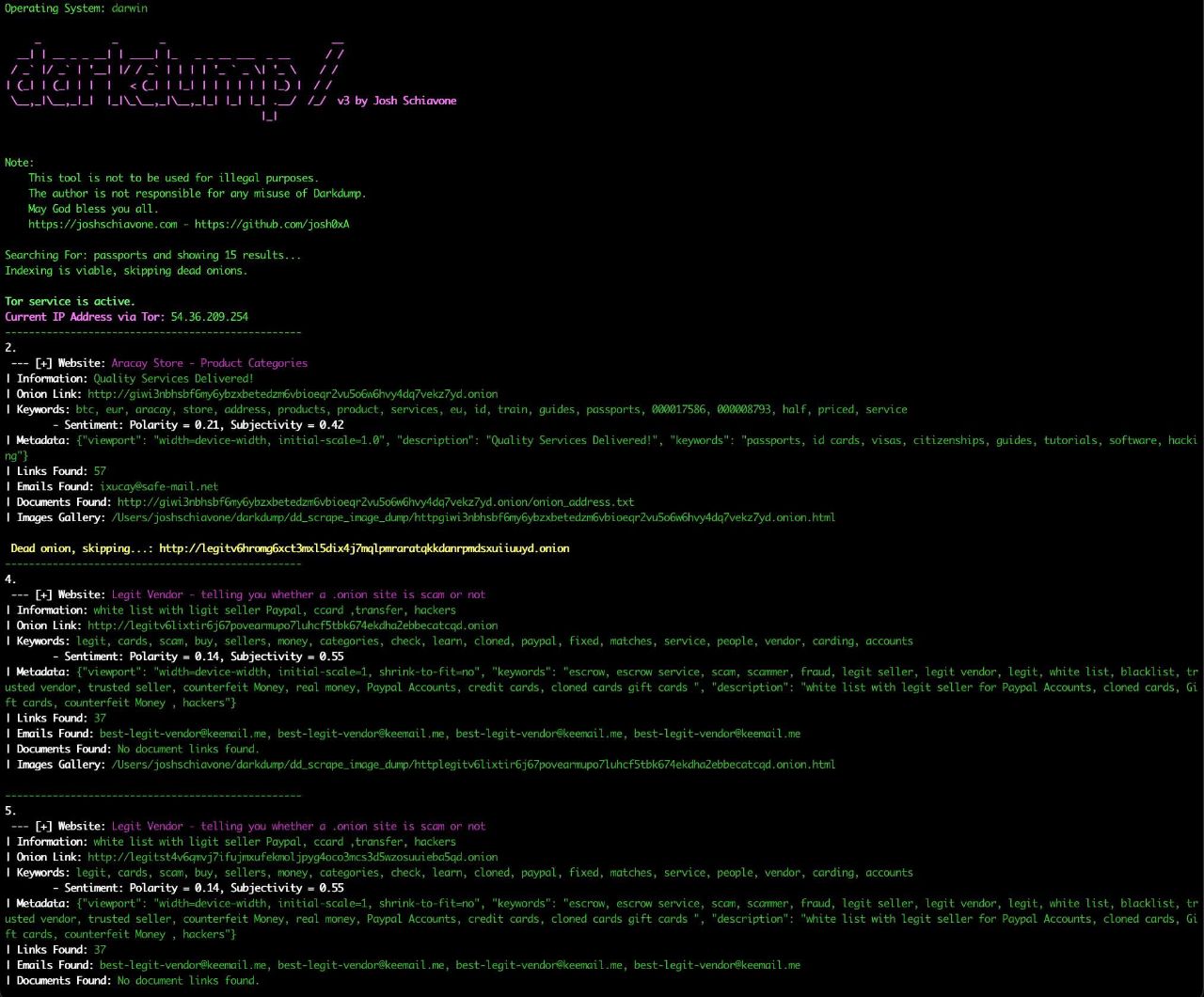
Darkdump is an open-source OSINT tool for deep web investigation. Given a search query it fetches results from multiple dark web search engines, optionally scrapes each result site for emails, metadata, keywords, documents, and images, and streams everything live to either the terminal or a local browser-based interface. All results are automatically filtered against Ahmia's public abuse blacklist regardless of which engine is used.
Installation
Quick install (Linux & macOS)
git clone https://github.com/josh0xA/darkdump
cd darkdump
chmod +x install.sh
./install.sh
darkdump
Note: ./install.sh might require sudo for macOS.
This installs all dependencies and creates two commands:
Command Description
darkdump Launch the primary web interface
darkdump-cli Run the CLI tool
Manual install
git clone https://github.com/josh0xA/darkdump
cd darkdump
pip3 install -r requirements.txt
pip3 install -r darkdump-web/requirements.txt
To uninstall the launchers: ./uninstall.sh
Tor Configuration
To use Darkdump effectively, you need to configure Tor to allow your script to control it via the Tor control port. Here's how to set up your torrc file and verify that Tor is running:
Step 1: Install Tor
If Tor is not already installed on your system, you need to install it. Here's how you can install Tor on various operating systems:
Debian/Kali/Ubuntu: sudo apt install tor
MacOS: brew install tor
Step 2: Configure the Tor torrc File
Locate your torrc file. This file is usually found at /etc/tor/torrcon Linux and sometimes Mac.
Add the following lines to your torrc to enable the control port and set a control port password:
ControlPort 9051
HashedControlPassword [YourHashedPasswordHere]
Replace [YourHashedPasswordHere] with a hashed password which can be generated using the tor --hash-password command: tor --hash-password "my_password"
Step 3: Start Tor Service
Linux: sudo systemctl start tor.service
MacOS: brew services start tor
Search Engines
Six engines are available via -e / --engine:
Engine Filtered Requires Tor Notes
ahmia Yes No Default. Tor Project-endorsed, strict filtering
notevil Partial Yes Ahmia fork with broader index
tordex No Yes Fully uncensored — confirmation required
tor66 No Yes Crawled index with directory — confirmation required
onionland No Yes Indexes Tor, I2P, and clearnet — confirmation required
excavator No Yes General dark web index — confirmation required
All engines have their results checked against Ahmia's blacklist. Unfiltered engines will prompt for confirmation before executing. This strategy is still not perfect, always use extreme caution and judgement when searching and scraping unfiltered engines.
