
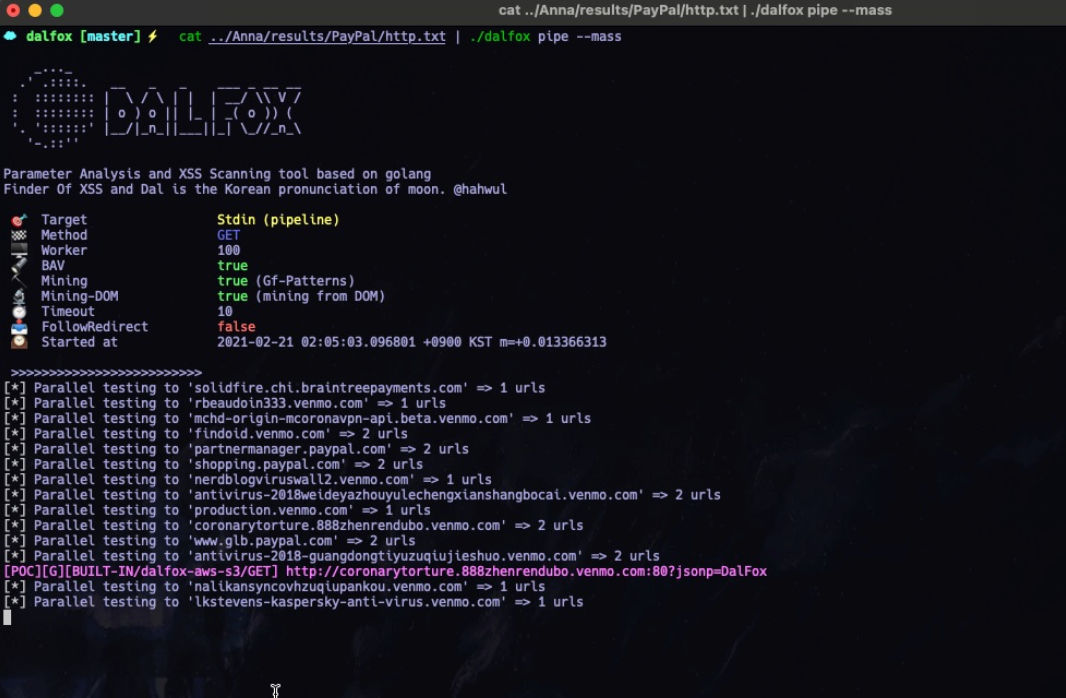
Dalfox XSS
DalFox is an open-source tool hosted on GitHub, designed specifically for scanning web applications to detect XSS (Cross-Site Scripting) vulnerabilities. It offers security experts and ethical hackers a rapid and effective means to uncover and potentially exploit weaknesses related to XSS.
A key feature of DalFox is its capability to intelligently detect both reflected and stored XSS vulnerabilities by analyzing the Document Object Model (DOM). Through a thorough examination of application responses and user interactions, DalFox can pinpoint potential XSS vulnerabilities and deliver precise results.
Dalfox is a powerful open-source tool that focuses on automation, making it ideal for quickly scanning for XSS flaws and analyzing parameters. Its advanced testing engine and niche features are designed to streamline the process of detecting and verifying vulnerabilities.
Key features
Subcommands: scan (URL / file / pipe / raw-HTTP, auto-detected), server, payload, mcp
Discovery: Parameter analysis, static analysis, BAV testing, parameter mining
XSS Scanning: Reflected, Stored (SXSS), DOM-based, with optimization and DOM/AST verification
WAF: Fingerprinting with confidence scoring, bypass tracking, and tunable --waf-min-confidence
HTTP Options: Custom headers, cookies, methods, proxy, and more
Output: JSON/JSONL/Plain/Markdown/SARIF/TOML formats, silence mode, detailed reports
Extensibility: REST API, MCP stdio server, custom payloads, remote wordlists
And the various options required for the testing :D
Installation
Homebrew (macOS/Linux)
brew install dalfox
https://formulae.brew.sh/formula/dalfox
Snapcraft (Ubuntu)
sudo snap install dalfox
Arch Linux (AUR)
yay -S dalfox
or
paru -S dalfox
See the Installation guide for manual build instructions.
Nixpkgs (NixOS)
A package is available for Nix or NixOS users. Keep in mind that the latest releases might only be present in the unstable channel.
nix-shell -p dalfox
Nix Flakes
For Nix users with flakes enabled:
Run directly
nix run github:hahwul/dalfox -- scan https://example.com
Install
nix profile install github:hahwul/dalfox
Development environment
nix develop github:hahwul/dalfox
See Installation guide for details.
Prebuilt binaries (including statically-linked musl variants for Linux) are available on the GitHub Releases page.
Usage
dalfox [mode] [target] [flags]
Single URL: dalfox scan http://example.com -b https://callback
File Mode: dalfox scan urls.txt --custom-payload mypayloads.txt
Pipeline: cat urls.txt | dalfox scan --headers "AuthToken: xxx"
Custom injection point (query): dalfox scan 'https://example.com/?q=FUZZ&page=1' --inject-marker FUZZ
Custom injection point (header): dalfox scan https://example.com -H 'X-Search: FUZZ' --inject-marker FUZZ
Check the CLI reference and Quick start documents for more examples.
