

Comprehensive Guide to Vulnerability Assessment and Kali Linux Tools
In modern cybersecurity, maintaining a proactive defense requires constantly identifying and mitigating security weaknesses before threat actors can exploit them. A Vulnerability Assessment is a systematic technical evaluation designed to uncover, quantify, and prioritize security vulnerabilities within an organization's IT infrastructure, web applications, and network environments.
The Four Core Steps of Vulnerability Assessment
Executing an effective vulnerability assessment is a structured process that moves through four primary phases:
Finding Vulnerabilities (Testing & Discovery):
Security teams deploy automated network scanners, web application security crawlers, and configuration auditing tools to identify open ports, active services, outdated software versions, and misconfigured assets across the target environment.
Analyzing Vulnerabilities (Root Cause Analysis):
Once potential weaknesses are discovered, engineers analyze their root causes. For example, a high-severity finding might stem from an unpatched operating system kernel, an unencrypted database connection, or an overly broad user access policy.
Assessing & Prioritizing Risk:
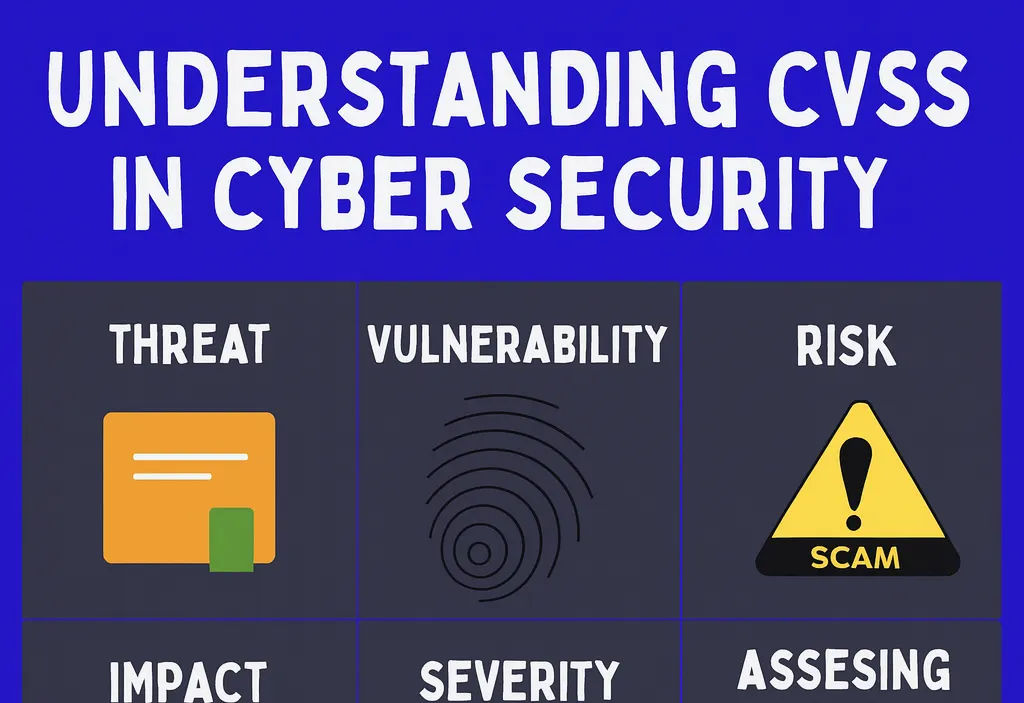
Not all vulnerabilities pose the same level of danger. Security analysts assign risk scores based on exploit complexity, potential business impact, and data sensitivity. This ensures remediation efforts prioritize critical zero-days and remote code execution risks over low-severity information disclosures.
Remediation & Patch Management:
The final step involves applying vendor software patches, adjusting system configurations, tightening firewall rules, or implementing compensating controls to resolve identified threats.
Vulnerability assessment is not a one-time event; it must be conducted on a continuous cycle. Effective vulnerability management requires seamless collaboration across security, software development, and system administration teams.
Essential Kali Linux Tools for Vulnerability Assessment
Kali Linux serves as the industry-standard penetration testing and security distribution, featuring an extensive suite of pre-installed open-source tools tailored for target assessment.
Network Vulnerability Assessment
Network scanners map live hosts, identify running services, and discover unpatched vulnerabilities across local and enterprise networks:
Nmap: The flagship network discovery tool used to scan open ports, identify operating systems, detect running service versions, and execute automated vulnerability NSE scripts.
Masscan: An extremely high-speed port scanner capable of scanning the entire internet in minutes, ideal for large-scale enterprise IP range discovery.
Web Application Vulnerability Assessment
Web application scanners test dynamic web assets for common web application flaws listed in the OWASP Top 10:
OWASP ZAP: An open-source web proxy and vulnerability scanner used to detect SQL Injection, Cross-Site Scripting (XSS), and broken authentication.
Nikto: A specialized web server scanner that tests for over 6,700 dangerous files, outdated server software, and misconfigured HTTP headers.
Wapiti: A black-box vulnerability scanner that analyzes web forms, scripts, and GET/POST parameters to uncover input validation bugs.
SQLMap: An automated penetration testing tool dedicated to detecting and exploiting SQL Injection vulnerabilities in backend databases.
System-Wide & Enterprise Scanning
Infrastructure scanners perform comprehensive audits across operating systems, network devices, and system configurations:
OpenVAS: A full-featured enterprise vulnerability scanner providing extensive vulnerability feed checks, policy auditing, and risk management reporting.
Nessus: A widely deployed commercial and community scanner known for high-accuracy vulnerability signatures and comprehensive compliance audits.
Lynis: A lightweight security auditing tool designed specifically for Linux/Unix systems to check patch levels, kernel parameters, and system hardening configurations.
Wireless Network Security
Wireless testing tools audit Wi-Fi access points, encryption standards, and pre-shared key security:
Aircrack-ng: A suite of utilities used to monitor, capture, and test WPA/WPA2 Wi-Fi encryption strength.
Kismet: A wireless network detector, packet sniffer, and intrusion detection system that identifies hidden Wi-Fi networks and rogue access points.
Fern Wi-Fi Cracker: A graphical interface tool designed to evaluate wireless security configurations and weak Wi-Fi passwords.
Malware & Rootkit Detection
Integrity checkers and host auditing utilities scan local Linux endpoints for unauthorized modifications and concealed malicious software:
Chkrootkit: A command-line utility that inspects system binaries for signs of known rootkit modifications.
Rkhunter (Rootkit Hunter): A security tool that audits local files, hidden directories, system calls, and incorrect file permissions to detect persistent rootkits and backdoors.